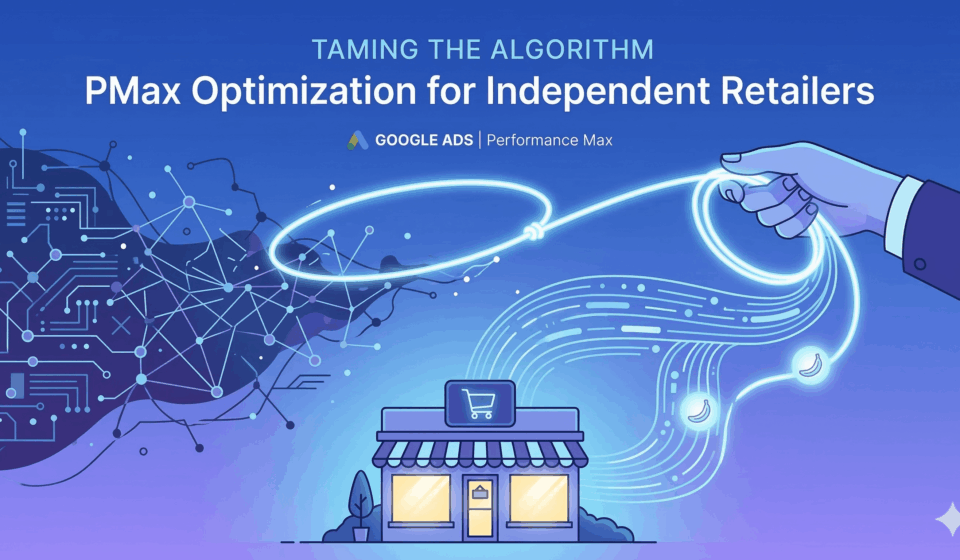
Taming the Algorithm: How Independent Retailers Can Optimize Performance Max Campaigns
For independent retailers, navigating the digital advertising landscape can often feel like a David versus Goliath battle. While big box stores have massive budgets, smaller brands have to make every single dollar count. If you’re focused on scaling your ecommerce business, you’re probably already using Google Ads. However, if you haven’t mastered Performance Max (PMax), you could be missing out on significant revenue.
PMax is Google’s automated campaign type, serving across its entire network, including Search, Shopping, Display, YouTube, Discover and Maps, from a single campaign. However, its heavy reliance on AI has given it a somewhat intimidating “black box” reputation. How can you optimise something when you can’t see exactly how it works?
The secret to PMax optimisation is not fighting the algorithm, but learning how to provide it with the right data. Read on to find out how independent retailers can tame the PMax algorithm to drive profitable growth.
1. Decoding the PMax Black Box: What you can and cannot control
Frustration with the transition from Google Shopping Ads to PMax usually stems from a perceived loss of control. For example, you can no longer set manual bids for specific keywords or completely exclude certain placements with the click of a button.
What you cannot control:
- The exact mix of channels where your ads will appear at any given moment.
Manual bids on a keyword-by-keyword basis.
Granular, placement-level reporting (although Google provides high-level insights).
What you can control (your levers for success):
The data feed: The health of your Google Merchant Center feed is the foundation of Performance Max retail success. Optimised product titles, accurate categories and rich descriptions are non-negotiable.
The inputs: The creative assets and text copy that you provide.
The guidance: The audience signals you use to guide the AI.
The boundaries: Your budget and bidding targets (e.g. tROAS).
2. Crafting high-quality asset groups to feed the AI
Performance Max operates on the principle that poor-quality input results in poor-quality output. The algorithm tests combinations of your images, videos and text to determine what will resonate with specific users. If you only provide one mediocre image and a generic headline, the AI will have nothing to work with.
To optimise your asset groups:
Maximise asset uploads: Fill every single slot that Google provides. Upload 20 images, five logos and up to five videos. Maximise your headlines and descriptions.
Diversify visuals: Don’t just use product shots with a white background. Include lifestyle images showing the product in use from different angles, as well as user-generated content (UGC).
Provide a video, or Google will auto-generate one using your images and text. If you don’t upload a video, Google will auto-generate one using your images and text, and the results are rarely professional. Even a simple, well-edited slideshow created in Canva would be better.
Theme your asset groups: Don’t lump your entire catalogue into one group. Create specific groups for different product categories, holiday promotions or target demographics, ensuring the messaging matches the visuals.
3. Effectively Leveraging Audience Signals
In traditional campaigns, an audience list determines precisely who sees your ads. In PMax, however, an ‘audience signal’ is merely a suggestion. It tells the algorithm to start looking for customers who resemble this profile, but to feel free to expand if buyers are found elsewhere.
The quality of your audience signals directly impacts how quickly PMax finds profitable conversions. To give the AI the best head start:
Prioritise first-party data. Your existing customer list is invaluable. Upload your email subscriber list and a list of past purchasers. This will teach the AI exactly what your ideal customer looks like.
Target high-intent website visitors. Create signals based on users who added items to their basket but didn’t complete their purchase, or users who spent more than three minutes on your website.
Custom Intent Segments: Add the most successful search terms from your standard historical search campaigns. If people are actively searching for ‘organic cotton baby clothes’, ensure that PMax recognises the value of this intent.
4. Setting realistic tROAS targets based on actual profit margins
Setting your target return on ad spend (tROAS) is a delicate balancing act. Set it too low and you may generate a high volume of sales, but you will lose money on margins. Set it too high and you will stifle the campaign, preventing it from entering auctions and acquiring the necessary data.
Here’s how to set a realistic target for sustainable e-commerce growth:
Know your break-even ROAS: before setting a target, calculate your true profit margins (factoring in COGS, shipping and overheads). For example, if your break-even ROAS is 250%, setting a tROAS target of 200% would mean you are actively losing money.
Start broad, then constrict. When launching a new PMax campaign, consider using ‘Maximise Conversion Value’ without setting a tROAS for the first 2–4 weeks. Let the algorithm gather data and identify conversions. Once you can see the baseline ROAS that has been achieved, set your tROAS at a level that is 10–15% higher than the baseline and increase it gradually over time.
Be patient. PMax requires data volume. Expect a learning period of 1–2 weeks where performance might fluctuate every time you make a significant change to your tROAS or budget.
Final thought
Performance Max doesn’t have to be an intimidating black box. By shifting their focus from micromanaging bids to providing high-quality inputs, such as excellent product feeds, diverse creative assets, rich first-party audience signals and realistic, profit-based targets, independent retailers can harness the power of Google’s AI to scale up efficiently and profitably.